Video podcasts

A video podcast app for Windows.

Shows & Stories plays video podcasts in its built-in video player, in full screen or picture-in-picture, and remembers where you left off. Video, audio and articles live in the same library, on Windows, on Android and in the browser.

Video player

A large picture, controls in the bar.

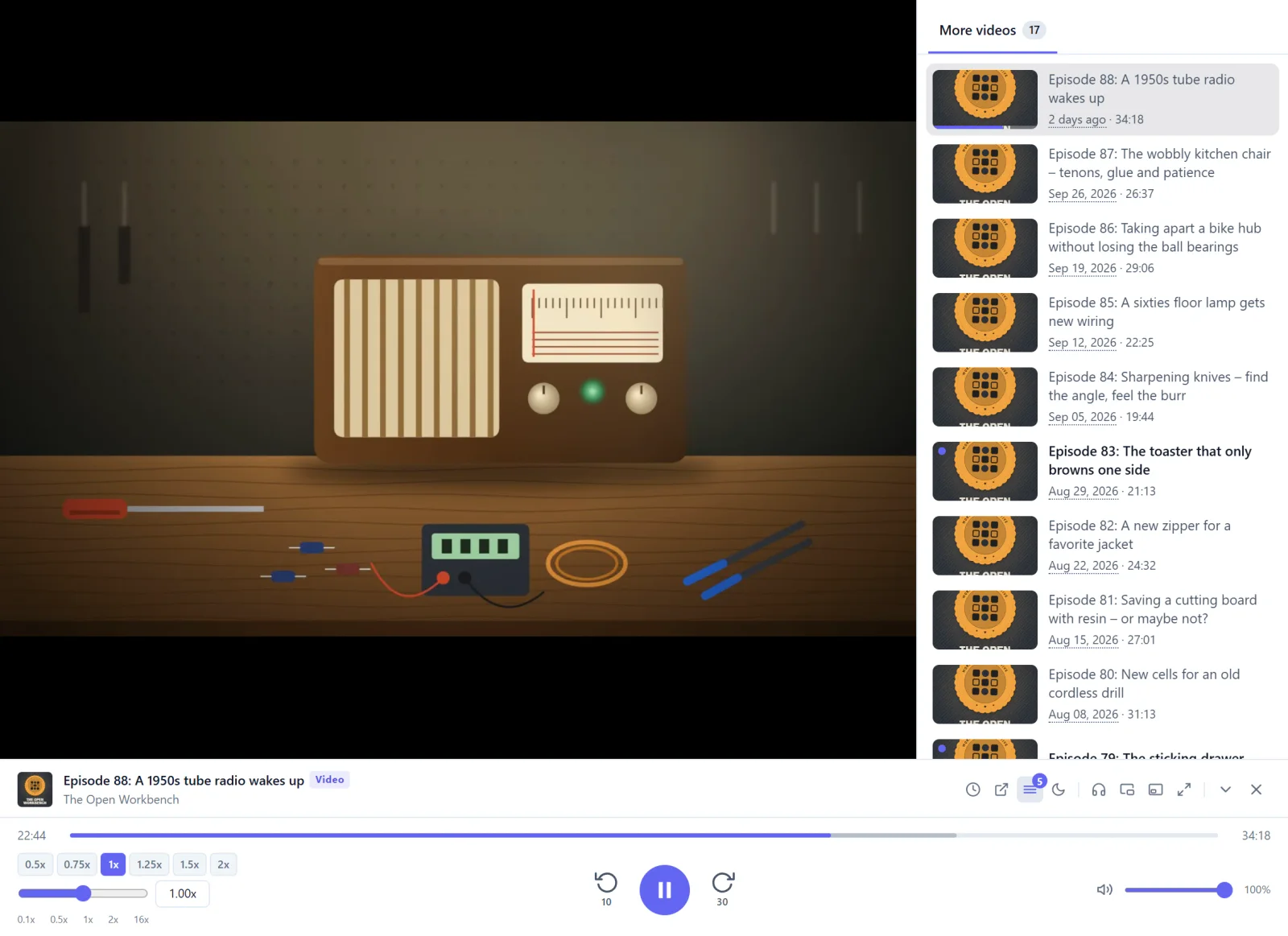
The video sits large above the main area, with more videos of the show next to it. Timeline, speed, full screen and picture-in-picture live in the player bar below.

  • Full screen and picture-in-picture
  • More videos of the show alongside
  • Pick up where you left off
The video player: the picture large above the main area, more videos of the show on the right, timeline and controls below.
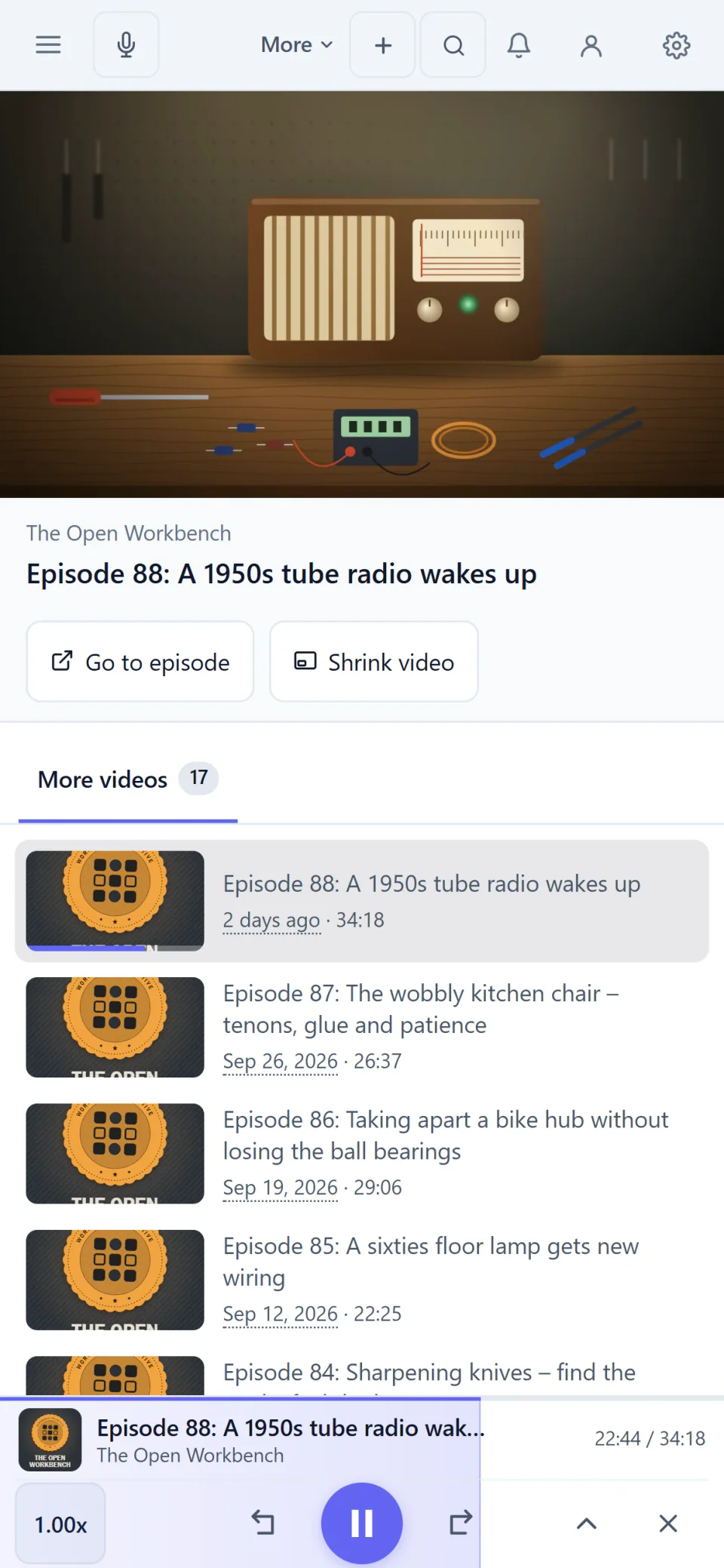
The video player on a phone: the picture on top, the episode title and more videos of the show below.

Discover

Find and subscribe to video channels.

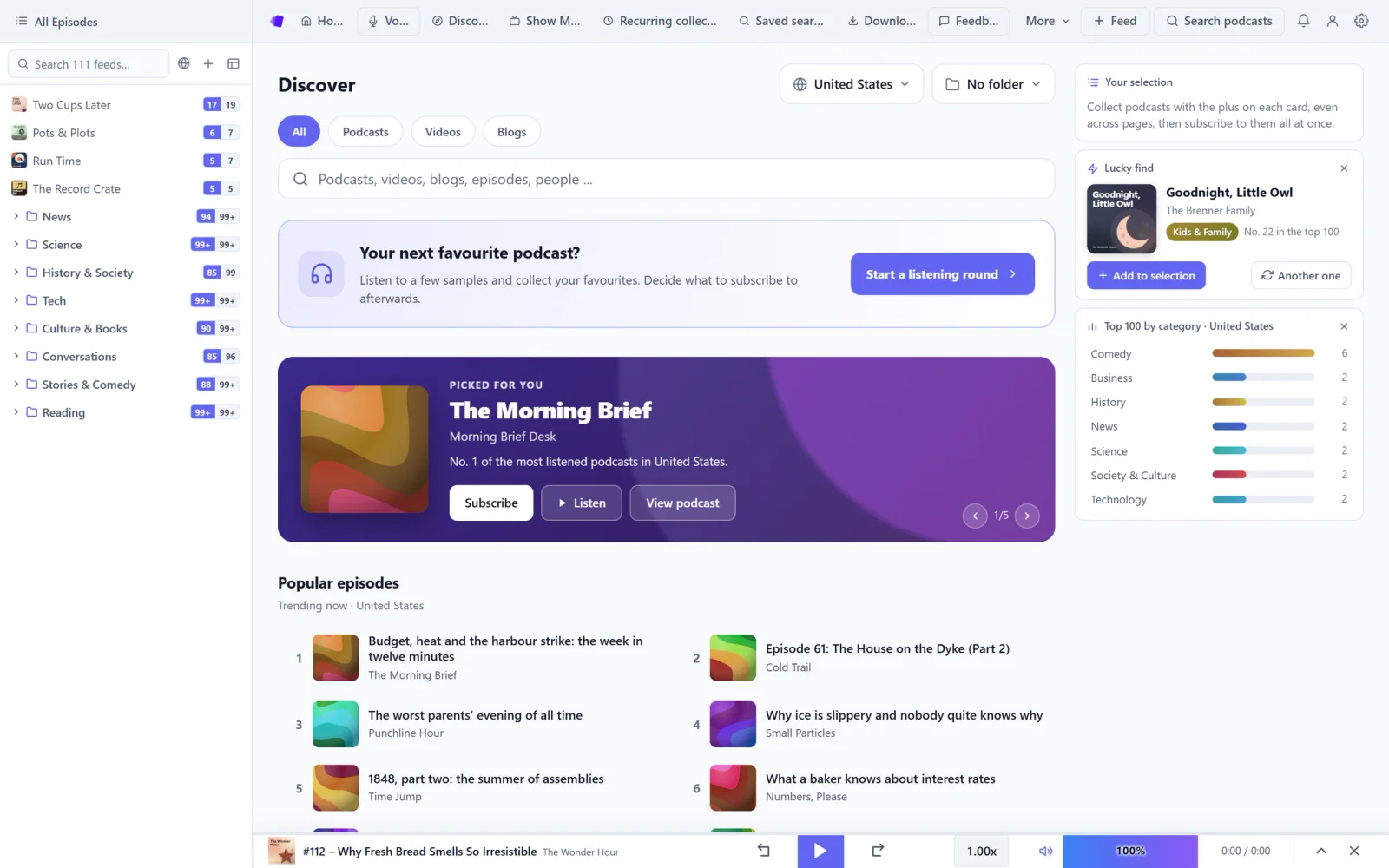
In Discover you can filter podcasts, videos and blogs separately. Every show comes with a profile.

  • Filter by podcasts, videos and blogs
  • Discover and subscribe to video channels
  • A profile of every show
The Discover home: search field, filters for podcasts, videos and blogs, a “For you” row with covers, and on the right lucky pick, genre mix and top 100 by category.
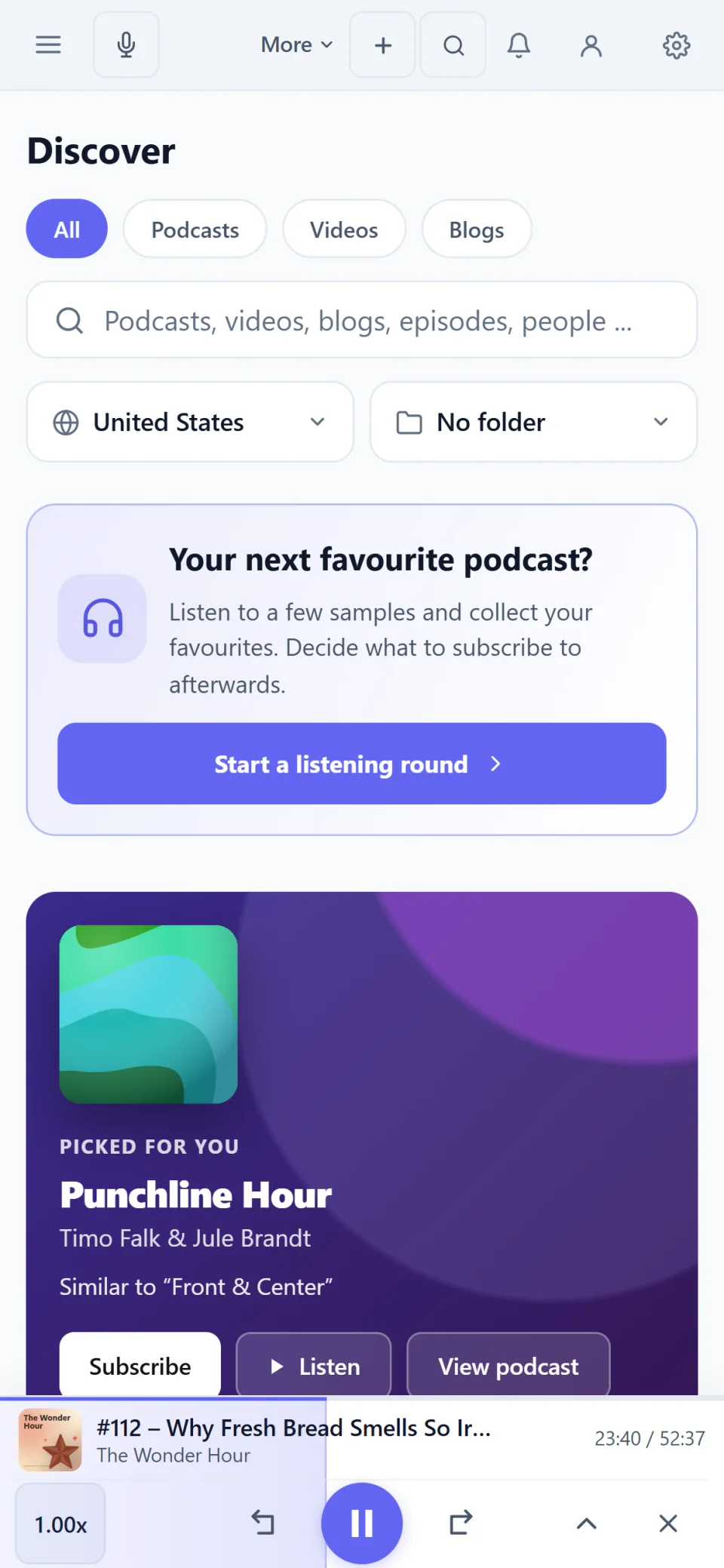
The Discover home on a phone with search field, filters and a recommendation.

Library

Video next to audio and articles.

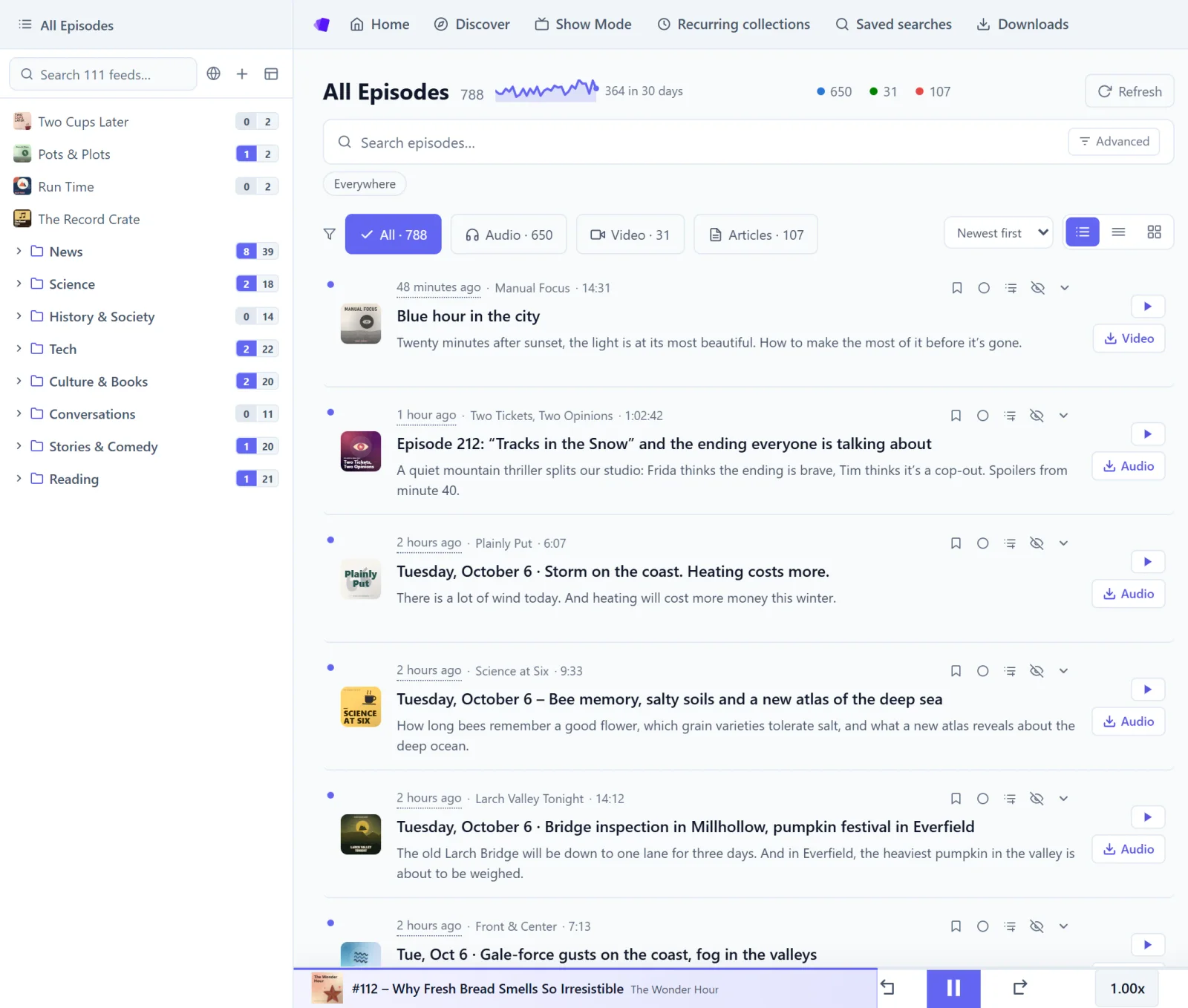
New videos appear in the same list as new episodes and articles, and one filter picks them out.

  • Filter by audio, video or article
  • Folder system for large libraries
  • Counters show what’s new
The All Episodes view: podcasts, videos and articles side by side, with type filters and the folder tree on the left.
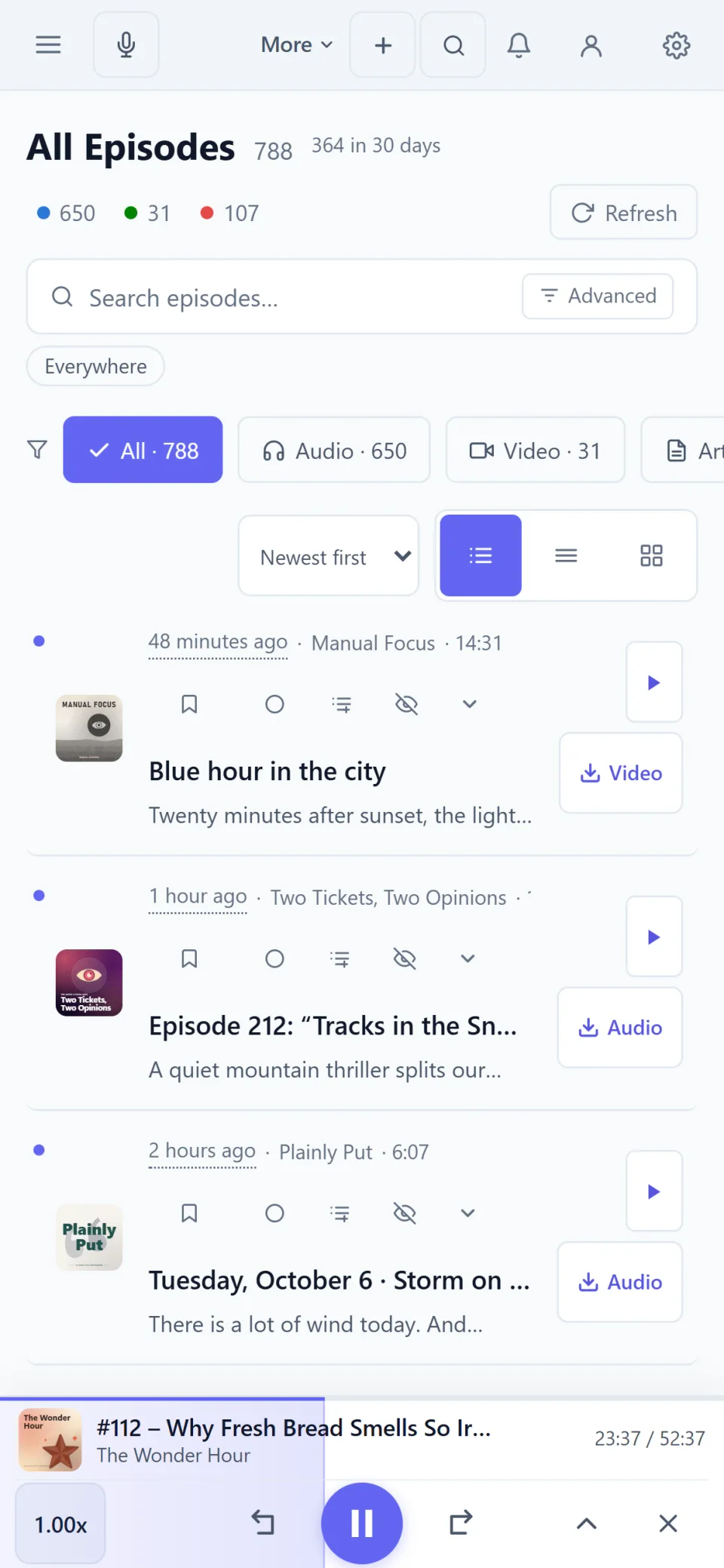
The All Episodes view on a phone, with filters for audio, video and articles.

Downloads

Download videos and keep them.

Episodes and videos can be downloaded as plain files without copy protection: MP3, MP4, M4A.

  • Download episodes and videos
  • Plain files without copy protection
  • Keep listening offline, even in flight mode
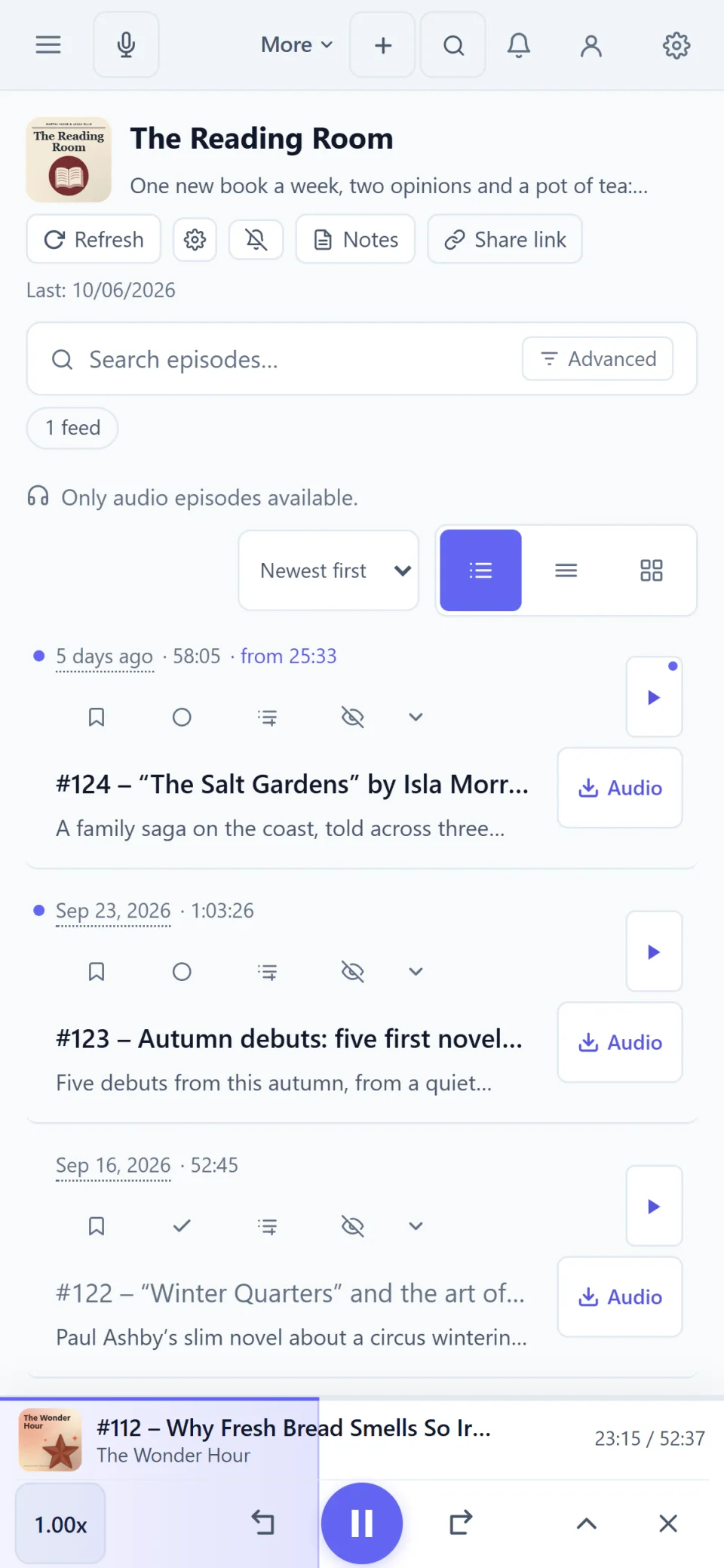
A show’s page on a phone, with its description and episode list.

Real screenshots of the app. The shows, episodes and people in them were made up for this page.

Quick answers.

How does the app play video podcasts?
In its built-in video player, with the episode list next to it, in full screen or picture-in-picture.
Do I need a second app for video?
No. Video podcasts, audio podcasts and blogs live in the same library, with the same folders and filters.
Which devices does it run on?
As a desktop app for Windows from the Microsoft Store, as an Android app on Google Play and as a web app in any current browser. An account keeps subscriptions and progress the same on all devices.

Try it in your browser.

No account and nothing to install, with up to 10 subscriptions. The full version can be tried free for 7 days without payment details.