Transcripts and chapters

A podcast app with searchable transcripts.

Shows & Stories shows the transcript of an episode to read along, with time stamps and its own search, plus the chapters as a list you can jump through. The app is available for Windows, for Android and in the browser.

Transcript

Read along and search the transcript.

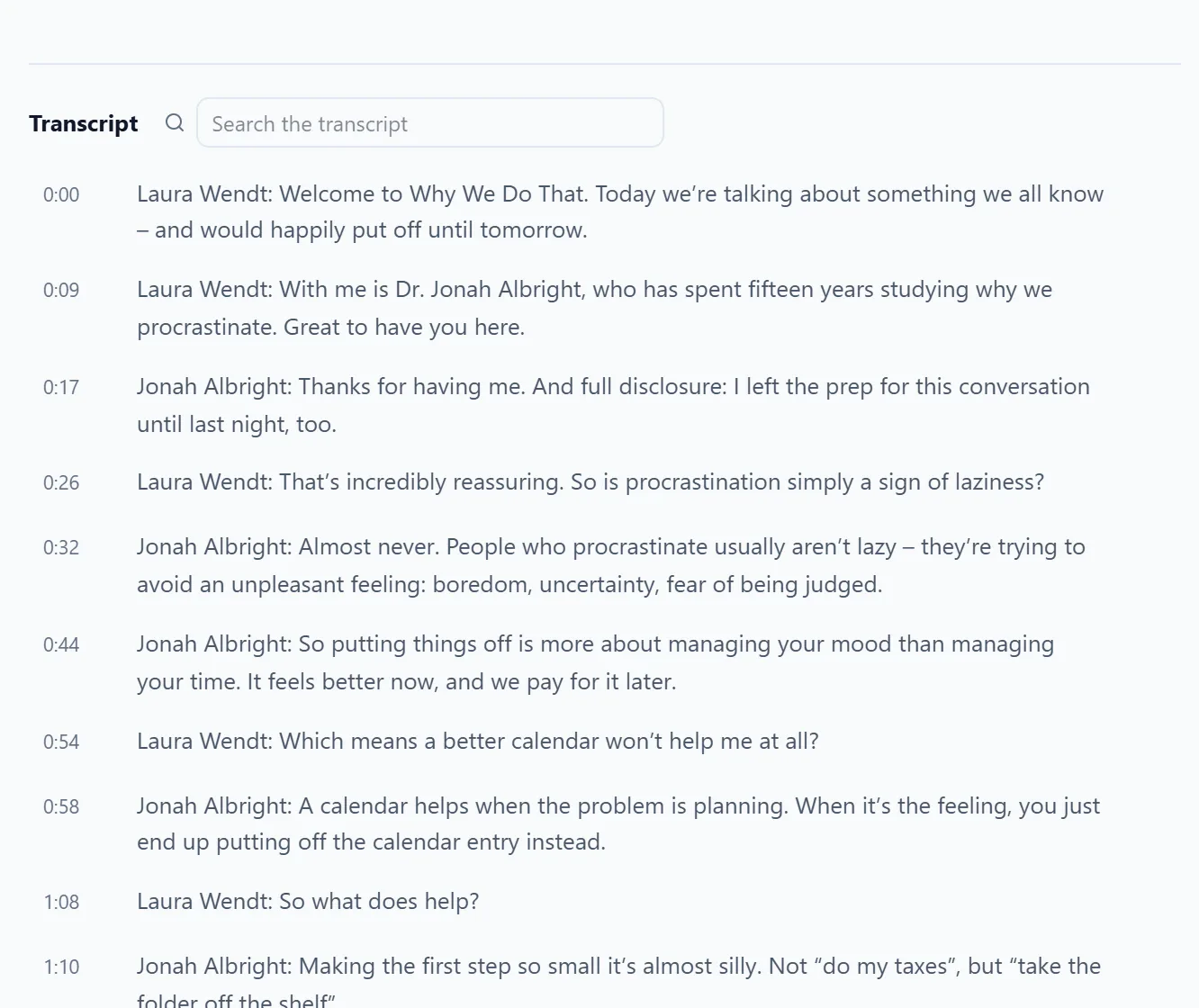
Transcripts in VTT, SRT, JSON and HTML appear below the episode to read along, with time stamps and their own search. The app shows the transcript the podcast provides in its feed.

  • Read along with time stamps
  • Search inside the transcript
  • Formats: VTT, SRT, JSON, HTML
An interview episode’s transcript with timestamps and a search field.
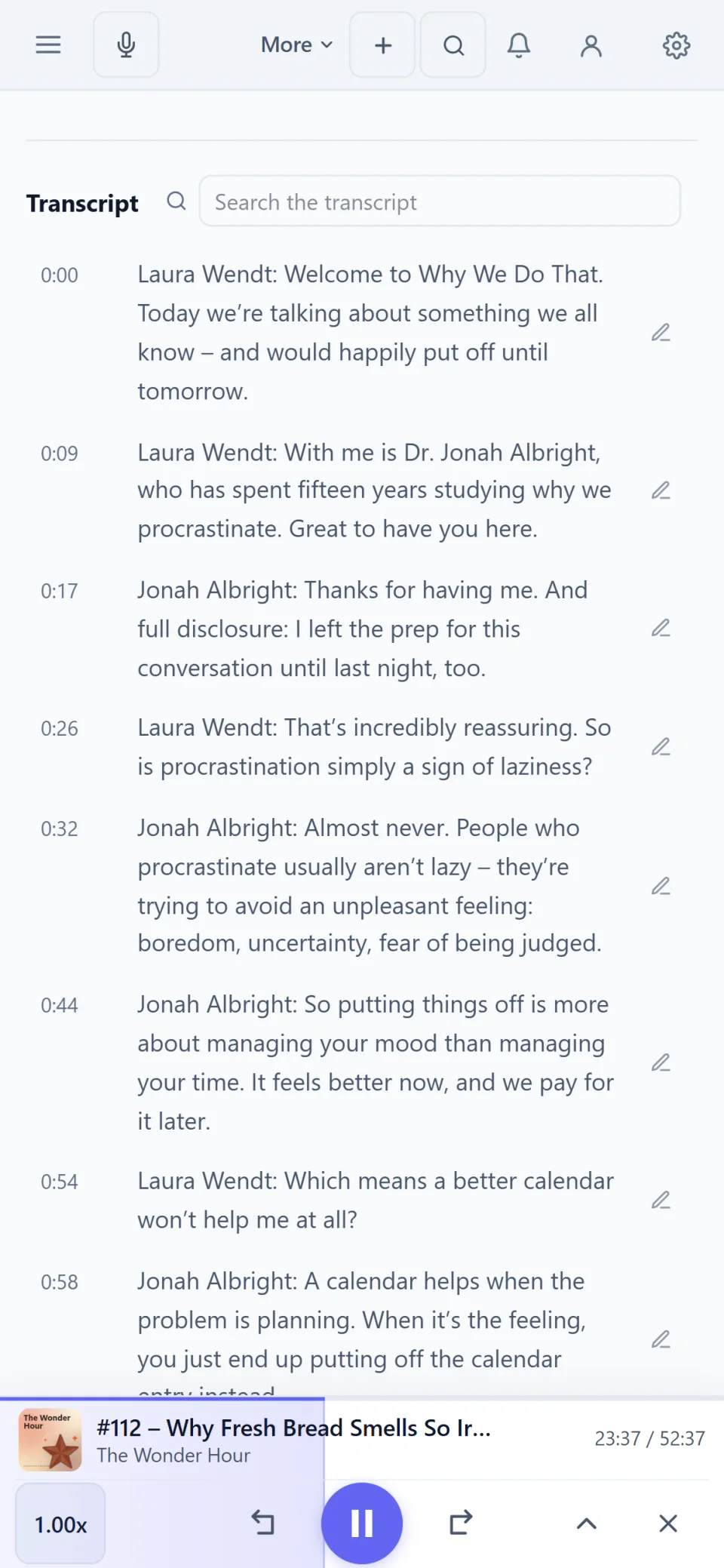
An interview episode’s transcript on a phone.

Chapters

Jump between chapters.

The episode’s chapter file is loaded and shown as a list with time stamp, title, image and link. One click jumps to that point.

  • Chapter list with time stamps
  • Chapter marks in the player
  • Time-stamped notes
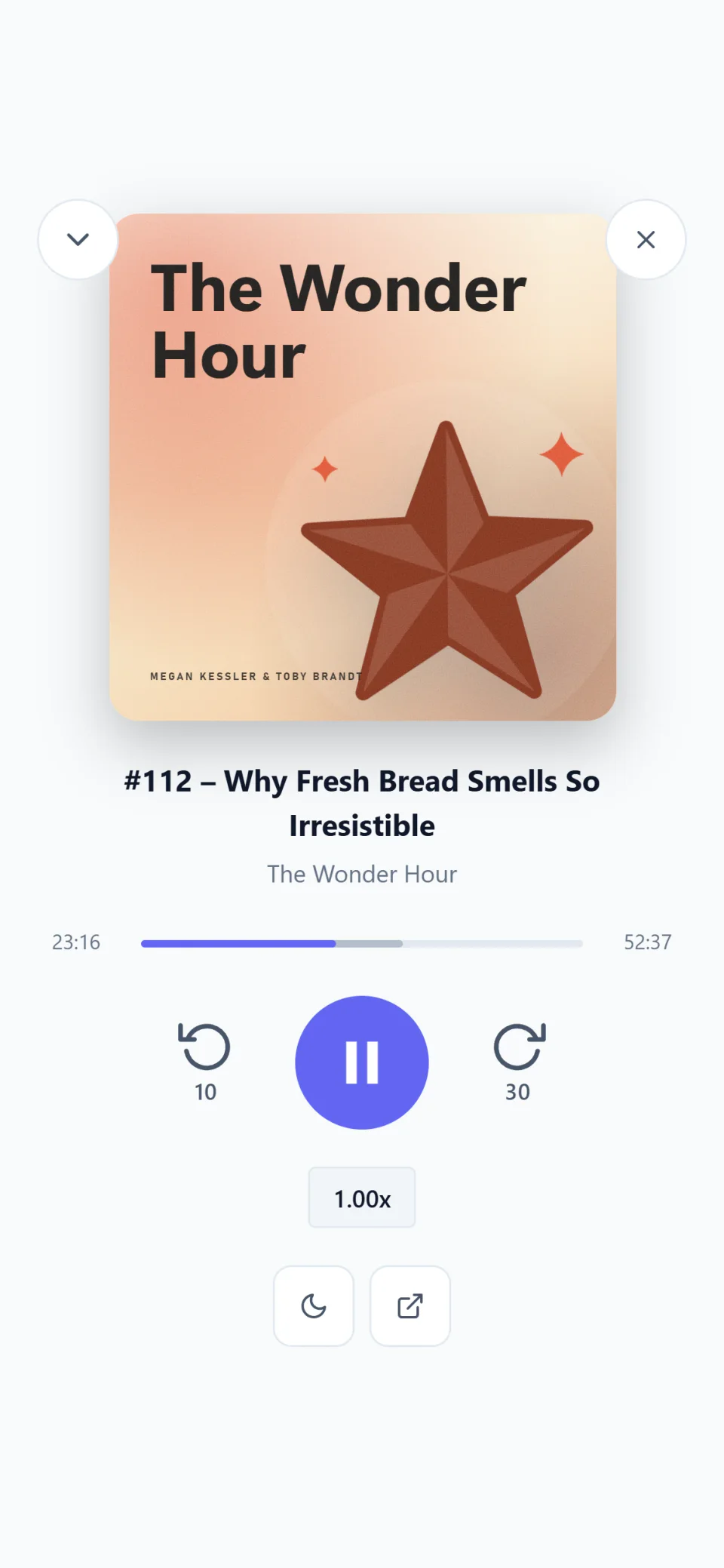
The full-screen player on a phone: cover, chapter marks, progress and controls.

More from the feed

People, seasons and episode numbers.

Hosts and guests appear with role, image and link on the episode and in the show’s profile. Their names can be found through search.

  • People with role and image
  • Season and episode number
  • A profile of every show
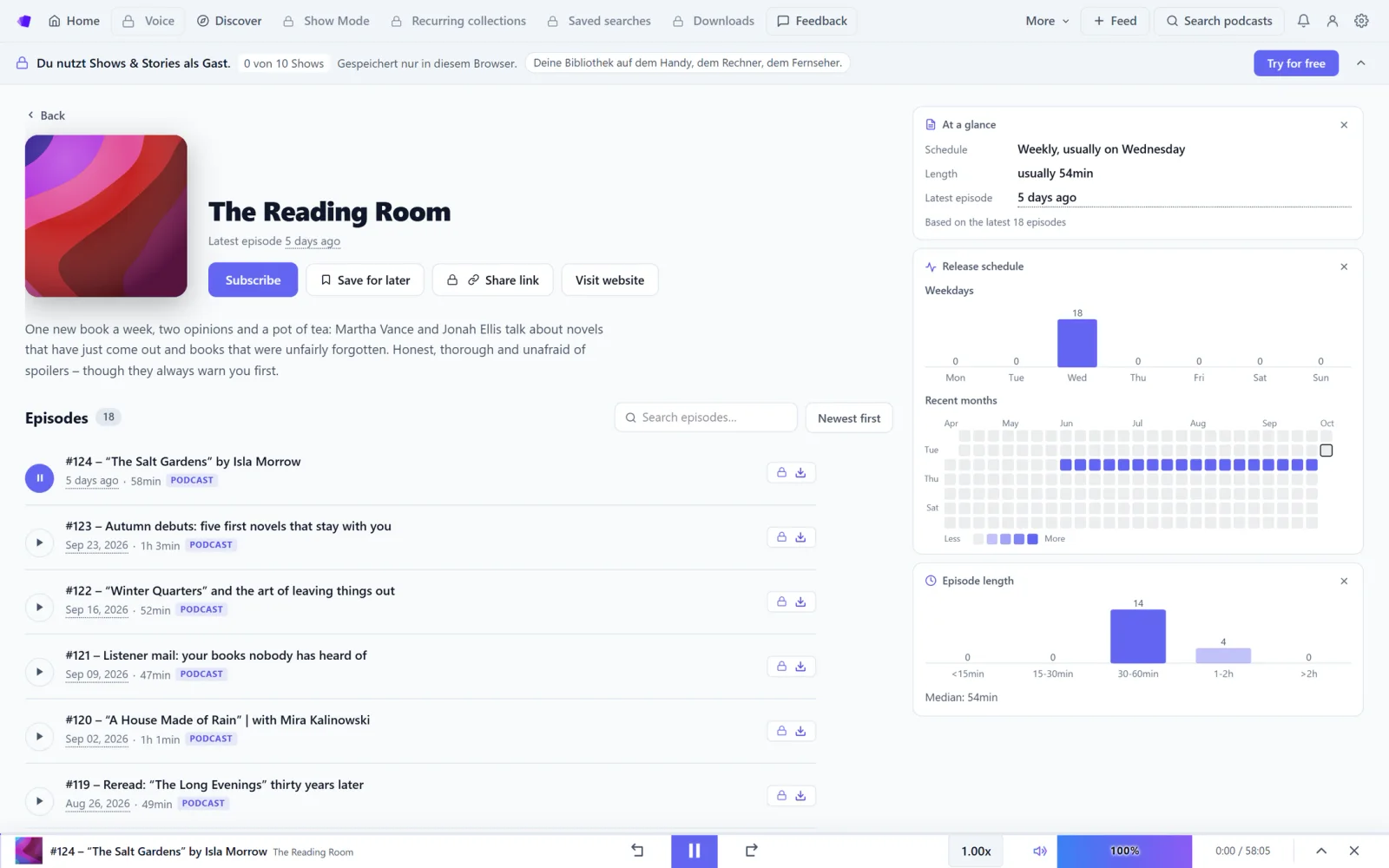
A show’s page from Discover: cover, description and episode list, with profile, release cadence and episode length on the right.
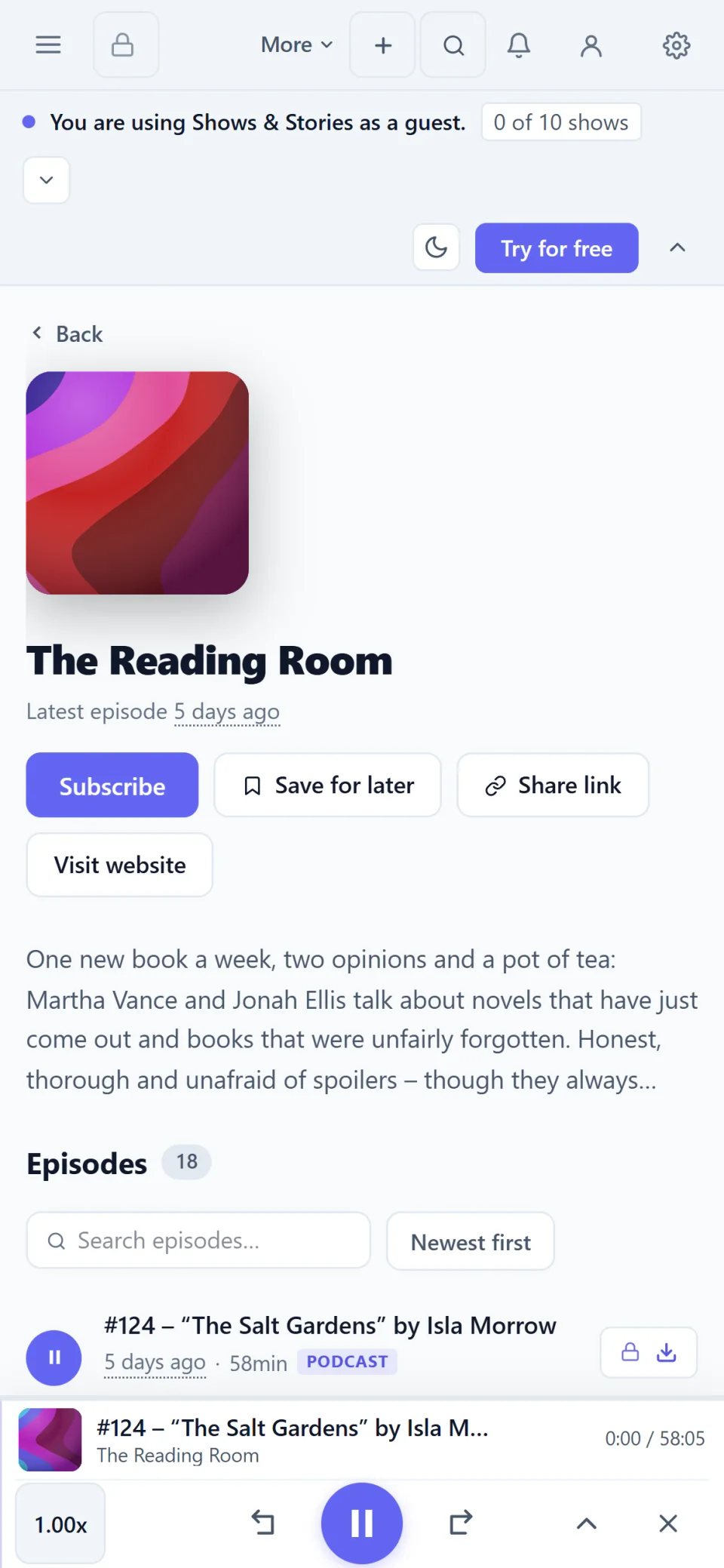
The same show page on a phone.

Real screenshots of the app. The shows, episodes and people in them were made up for this page.

Quick answers.

Does every episode have a transcript?
No. The app shows a transcript when the podcast provides one in its feed. The same goes for chapters.
Which formats does the app read?
Transcripts in VTT, SRT, JSON and HTML, and the feed’s chapter file (podcast:chapters).
Can I try it without an account?
Yes, in the browser: permanently as a guest with up to 10 subscriptions, including reading along with transcripts. The Android app can be used as a guest too; the Windows app needs an account.

Try it in your browser.

No account and nothing to install, with up to 10 subscriptions. The full version can be tried free for 7 days without payment details.