Moving

Bring your podcast subscriptions with OPML.

Shows & Stories takes over the subscriptions from your previous app with an OPML file, in one step and with your folder structure. Getting out works the same way: subscriptions, notes and ratings can be exported at any time as OPML, JSON or a plain list.

Import

One file, all your subscriptions.

Many podcast apps and RSS readers can export their subscriptions as an OPML file. Shows & Stories reads that file and creates the folders as they appear in it.

  • OPML import in one step
  • Folder structure is kept
  • Up to 10,000 subscriptions with an account
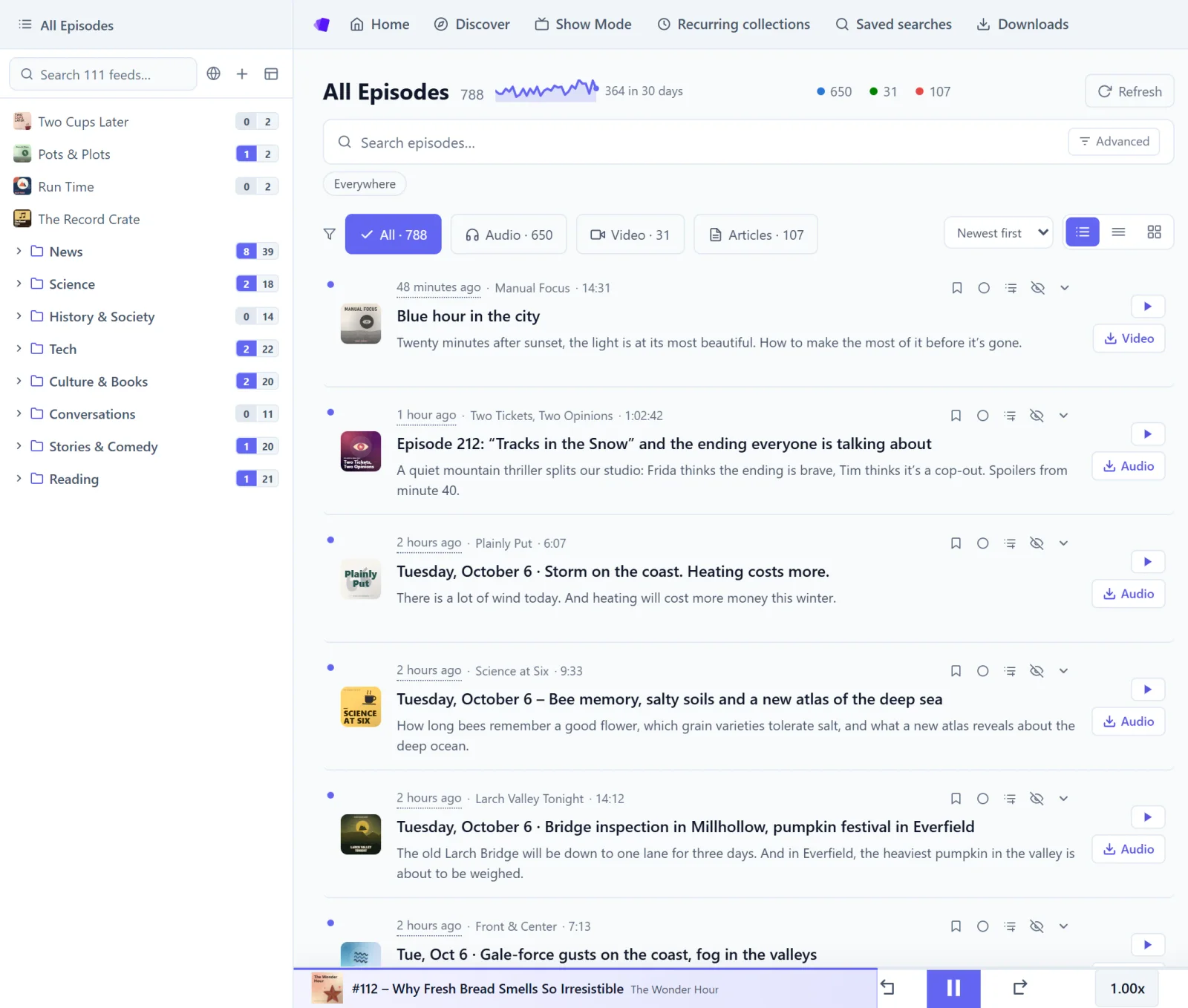
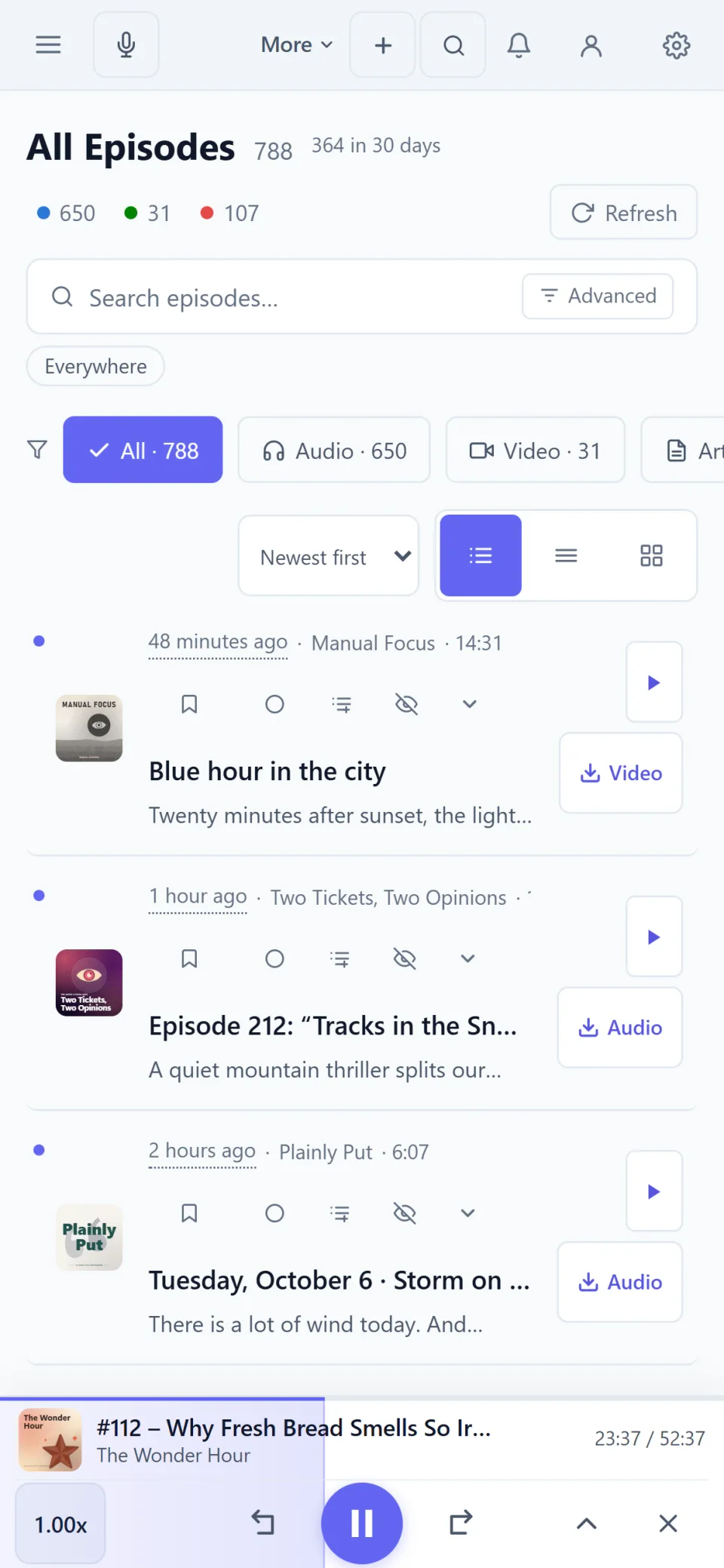
The All Episodes view: podcasts, videos and articles side by side, with type filters and the folder tree on the left.
The All Episodes view on a phone, with filters for audio, video and articles.

Afterwards

Carry on right after the import.

Counters show what’s new, and an account keeps the library the same on Windows, on Android and in the browser.

  • Everything new at a glance
  • Sync on all devices
  • Pick up right where you left off
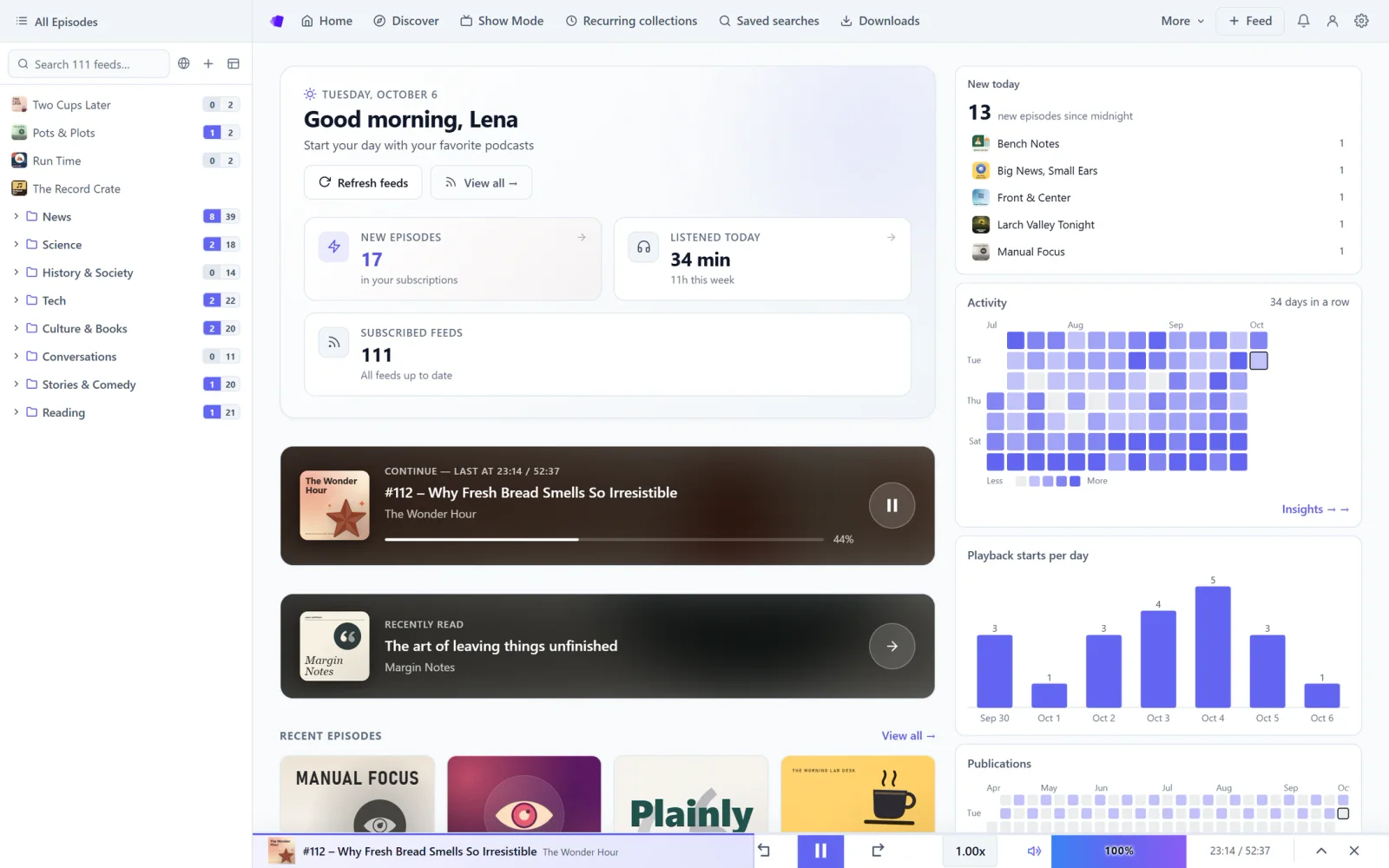
The app’s home screen: a greeting, new episodes since midnight, this week’s listening stats and the episode you were last listening to.
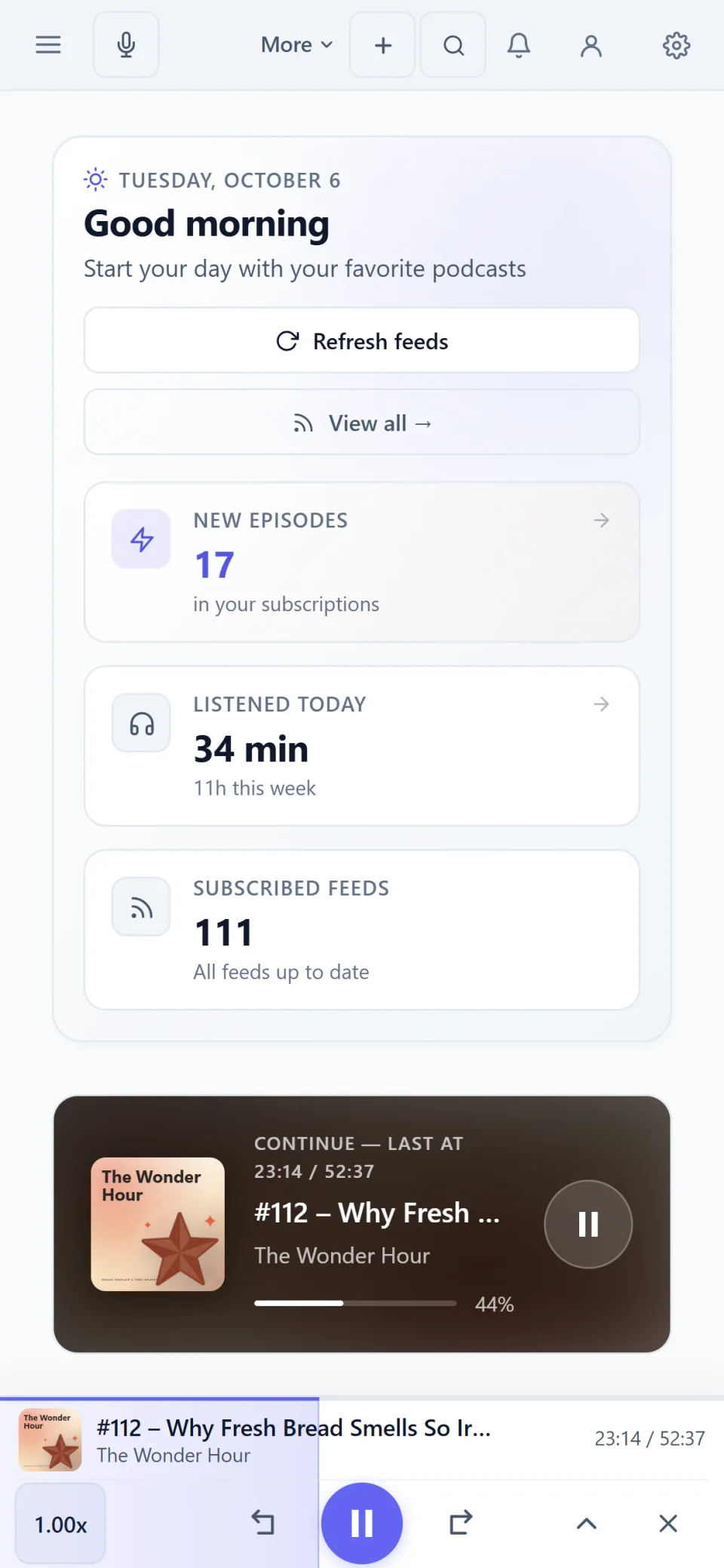
The home screen on a phone, with a greeting and Continue listening.

Real screenshots of the app. The shows, episodes and people in them were made up for this page.

Quick answers.

Do I need an account for the import?
Yes. Import and export are part of the account and included in the 7-day trial, without payment details.
Can I export my subscriptions again?
Yes, at any time: subscriptions, notes and ratings as OPML, JSON or a plain list. That also works after the trial and without a paid account.
Where do I get the OPML file?
From your previous app. Many podcast apps and RSS readers offer an OPML export of your subscriptions in their settings.

Try it in your browser.

No account and nothing to install, with up to 10 subscriptions. The full version can be tried free for 7 days without payment details.